INK
Draw responsive freehand marks over the screen.
DESKTOP UTILITY
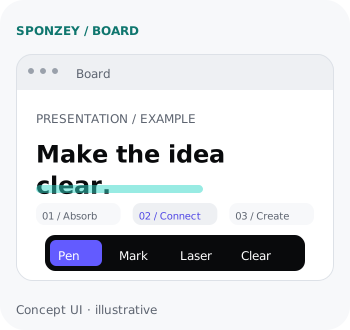
Draw the idea directly on top of your screen.
Annotate, highlight, and explain without leaving the app, document, or presentation already in front of you.
WHY IT EXISTS
ABSORB → CONNECT → CREATE
HOW IT WORKS
01
Capture pointer, pen, and keyboard intent.
02
Render marks over the current screen context.
03
Explain, highlight, and clear without interruption.
KEY CAPABILITIES
Draw responsive freehand marks over the screen.
Highlight the area that needs attention.
Clear or switch tools with compact shortcuts.
PRODUCT STATUS